
 (1 votes, average: 5.00 out of 5)
 Loading...
PowerPoint 2003 and previous versions don’t allow you to draw a semi-circle shape although that’s not an issue within PowerPoint 2007. In this tutorial, we’ll show you three ways in which you can add a semi-circle to your PowerPoint 2003 slide. Whichever way you choose, make sure you save one semi-circle so that you can copy-paste and reuse it again whenever required.

Learn how to create a semi-circle in PowerPoint 2003 for Windows.
Related Posts
 Since there is no easy, intuitive way to create semi-circles in PowerPoint 2003, I already showed you three ways to create them! And now here's one mo...
-
An Indezine reader asked me if he could create three circles next to each other, and make sure that they looked like this: The first circle should be ...
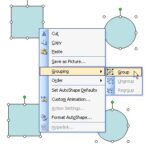 When you have many (or more than one) slide objects on a slide that you want to manipulate in the same way, you might want to consider grouping them. ...
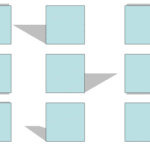 We have already covered the fill and line options in PowerPoint 2003 and earlier. While these versions of PowerPoint do not have a dedicated "effects"...