
 (No Ratings Yet)
 Loading...
When you create a presentation in PowerPoint 2013, you’ll notice that the aspect ratio is always 16:9, which is the new default — if you just accept these defaults, then all your slides will be in widescreen (16:9) rather than normal (4:3) aspect ratios. All these new slides use colors, effects, fonts, etc, derived from the active Theme. In PowerPoint 2013, each of the new Themes has four variants built-in — to explore these variants, access the Design tab of the Ribbon and you’ll see a new group called Variants. These variants are actually separate Themes!

Explore the new Super Themes in PowerPoint 2013 for Windows.
Related Posts
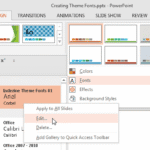 Theme Fonts comprise a pair of font choices, one each for your slide titles (Heading font) and the other for everything else on your slides (Body font...
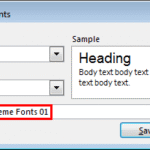 Theme Fonts are font choices that are part of a Theme in PowerPoint or other Microsoft Office programs. Each Theme Font set has two font choices, one ...
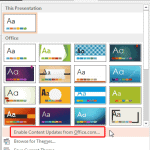 When you bring up the Themes gallery within PowerPoint 2013, do you find that several Themes are missing? Alternatively, do you find that your friends...
 In PowerPoint, any Theme brings to the table several unique facets that differ from Theme to Theme. These include Theme Fonts, Theme Colors, and Theme...