
In previous tutorials, we have covered solid, gradient, texture and pattern fills for AutoShapes in PowerPoint 2003 or earlier versions. In this tutorial, we finish this series by showing you how you can use picture fills.

Add picture fills to shapes in PowerPoint 2003 and 2002 for Windows.
Related Posts
 Other than solid fills and gradient fills, PowerPoint 2003 for Windows and previous versions also include three other fill types: textures, patterns, ...
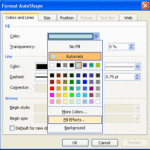 Patterns in PowerPoint are two-color designs comprising patterns like lines, dots, dashes, and checks. PowerPoint includes 48 patterns, such with name...
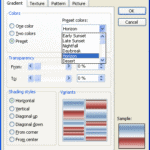 In the previous tutorial of this series, we showed how you can change or add a solid color fill to an AutoShape in PowerPoint 2003. In this tutorial w...
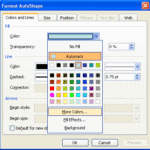 Whenever you add a new AutoShape to a PowerPoint slide, it is filled with a solid color by default. Most of the time, you may leave that unaltered, bu...