
PowerPoint 2007 offers six effect types that you can apply to most slide objects including shapes. However, there may be times when you don’t want to go through the trouble of experimenting with these six effects to see if a particular shadow effect style works well with another bevel effect. If that sounds familiar, you will love the Presets option that combines effects that generally work well with each other.

Apply preset effects to shapes in PowerPoint 2007 for Windows.
Related Posts
 Although PowerPoint enables you to edit the fill, lines, and effects attributes of a shape, this is a time consuming task that may involve trying out ...
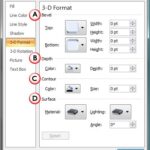 3-D Options seems like something that should work with the 3-D Rotation effect in PowerPoint 2007, yet it also works with other effects such as Bevel ...
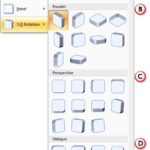 We have already covered all Shape Effects available in PowerPoint 2007 for Windows, except 3-D rotation. In this tutorial, we remedy that omission and...
 In this tutorial series, we showed you how you can play with all the effects available in PowerPoint 2007 for Windows. This is the last tutorial in th...