
 (2 votes, average: 5.00 out of 5)
 Loading...
Continuing our discussion on circles (see Circles I and Circles II), this time we look at creating circles in an application outside PowerPoint.
Specifically, our team was doing a review of Artlandia’s new SymmetryWorks plug-in for Adobe Illustrator that lets you create organic looking patterns from all shapes. Since we are biased towards circles at this point in time, we decided to create a repeating circular pattern using SymmetryWorks. These patterns were intended as a starting point for PowerPoint backgrounds.
Look at these patterns here:
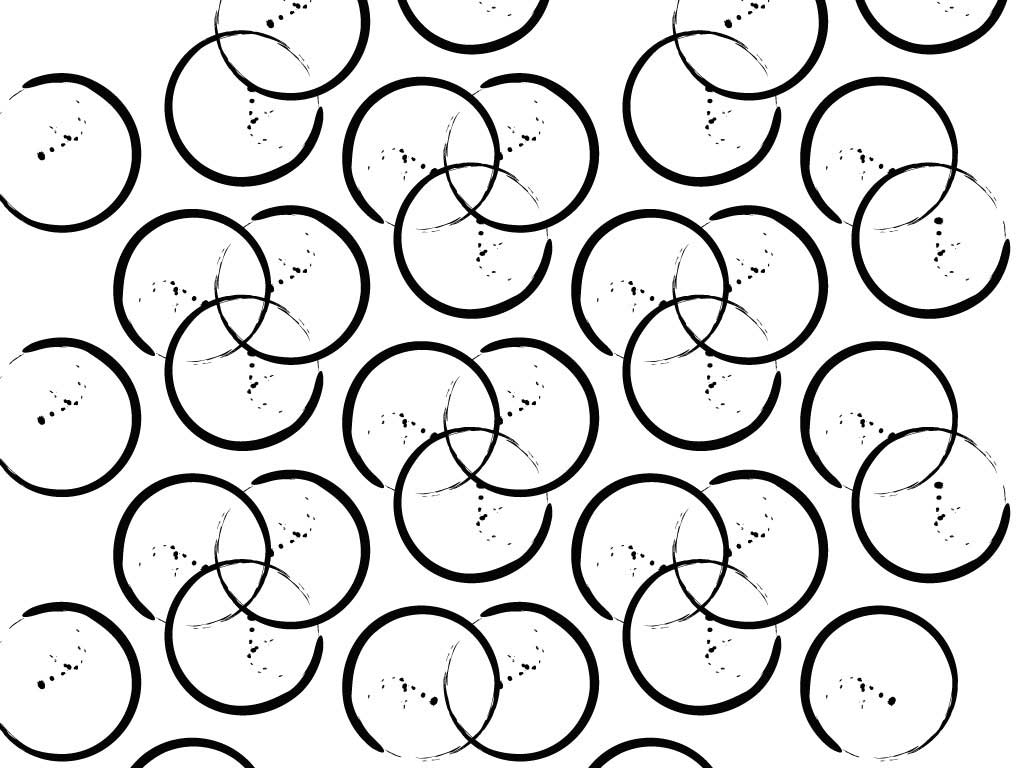
Circle Patterns 01

Circle Patterns 02

Circle Patterns 03
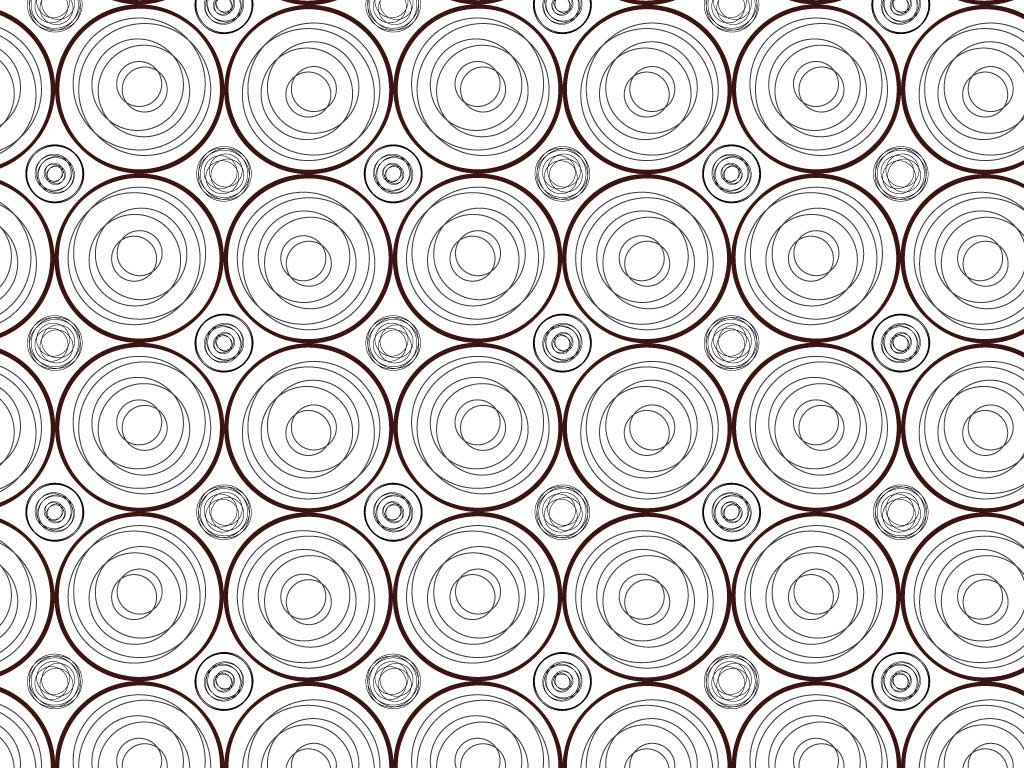
Circle Patterns 04

Circle Patterns 05
So, what do we do with circles next? Wait and watch, or send us your thoughts.
Related Posts
 We shared a few “circle” thoughts with you in the first post in this series: Design Shapes: The Circle, Being Rounded, and now it’s time to look at so...
 In this new Design Shape series of posts, we’ll look at concepts that are not limited to PowerPoint alone, although you can expect us to relate them t...
 Have you seen a glossy highlight that is overlaid on the screens of electronic devices such as tablets, laptops, screens, or even phones? You can see ...
 Download customizable Office People silhouette clipart for PowerPoint, featuring 10 black-and-white vector variations of professional male and female ...