
In the PowerPoint 2003 Interface page, we already showed you the different parts of the program interface, in this page, we’ll focus on one particular area of the interface. This is the Slides/Outline pane, and it is normally placed on the left side of the interface. The Slides tab is normally active, but to get to the Outline tab, all you need to do is select the second tab shown in the pane.

Learn about the Slides Pane in PowerPoint 2003 for Windows.
Related Posts
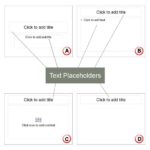 Aren't text boxes and text placeholders the same? Are they really different? And why should I bother even if they are different? All these are valid q...
 Creating outlines for PowerPoint in various external applications lets you stay away from distractions in PowerPoint-land -- once you have the outline...
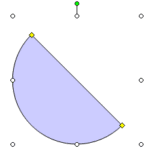 Since there is no easy, intuitive way to create semi-circles in PowerPoint 2003, we already showed you three ways to create them! ! And now here's one...
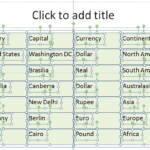 Tables can be animated within PowerPoint, but either the entire table can be animated or nothing! Yes, that's a case of extremes—either you have it al...