
Among the options for stylizing text in PowerPoint, you have already explored Text Fills and Text Outlines. You have also learned how to apply various WordArt styles in PowerPoint. Now let us learn how to apply and edit various text effects like Shadow, Reflection, Glow, 3-D Rotation, Transform, etc. to your text. Follow these steps to explore more.

Learn about various Text Effects available in PowerPoint 2010 that can be used to stylize your text.
Related Posts
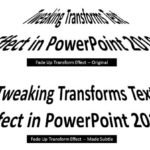 Creating slides that can attract attention is always a challenge -- and every trick you can use to make your content more interesting is welcome. You ...
 Have you ever tried your text to fit along the edge of a circle, or even within a circle? Or on a curved path -- or even as a roller coaster? Most of ...
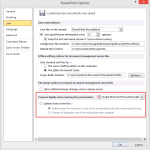 Have you ever been in a situation where your presentation looked so awesome with some amazing typography, but when you opened the same presentation on...
 There is no built-in tool for highlighting text in PowerPoint 2010. However, there is a workaround to highlight your PowerPoint text using the Text Hi...