
 (No Ratings Yet)
 Loading...
How do you add a “map pin” graphic on your slide so that it looks like a real one? It’s easy with this collection of map pins that are already placed in PowerPoint slides – just copy the pins and then paste within your own slides that already contain a map. Beyond maps, you can also use these map pins like regular push pins so that a picture, shape, or anything else appears as if it has been pushed onto a surface, board, or wall with a pin!
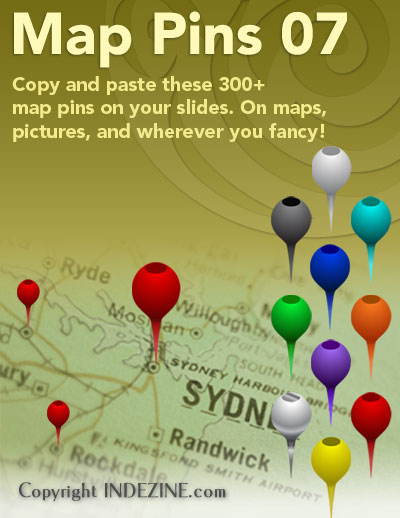
Download and use these map pins in your slides.
Related Posts
 These "sticky tape" graphics have a textured look and are already placed in PowerPoint slides – just copy them and paste within your slides to create ...
 This set contains Sticky Tape graphics with polka dot patterns already placed in PowerPoint slides. You just need to copy them and paste within your s...
 These "sticky tape" graphics are already placed in PowerPoint slides - just copy them and paste within your slides to create a look that makes a pictu...
 These circles have a polygon center! You get 4 variations: triangle center, square center, pentagon center, and hexagon center! And based on the sides...