
The shadow effect in PowerPoint adds more depth to your selected shape — and you may get the perfect shadow effect the very first time you use PowerPoint’s default shadow options. However, you may want that shadow to be a wee bit longer, or just a little less pronounced. Or maybe you want the shadow to sport a color that’s different. Fortunately, these shadow effects are quite easy to achieve.
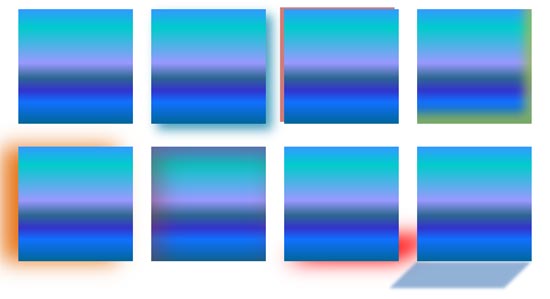
Learn how you can work with advanced Shadow effect options in PowerPoint 2013 for Windows.
Related Posts
 PowerPoint's fill, line, and effect attributes enable you to customize the look of shapes and other slide objects in your presentation. However, it ma...
 3-D Options in PowerPoint 2013 enable you to format the bevel style of a shape with many more options than those available in the conventional Bevel g...
 Depth in PowerPoint 2013 plays a very important role when you are working with 3-D objects. Depth is the distance from the top or surface of something...
 PowerPoint 2013's 3-D options that allow you to rotate or bevel shapes are surprisingly powerful. In fact, some of these options are good enough to be...