
After adding text within a shape (or a text box) in PowerPoint 2013, you can also perform basic edits like adding, deleting, or replacing existing text. Other than the basic text editing you can even control how your text is placed within the shape. To do that you need to access these options within the Format Shape Task Pane.

Learn how to align text within a shape or text box in PowerPoint 2013 for Windows
Related Posts
 If you have worked aplenty with text in PowerPoint, you must be aware that you cannot rotate text within a shape by 180°. What's surprising is that yo...
 Text is probably the most important element on your PowerPoint slides! You may have heard the adage that a picture is worth a thousand words, but more...
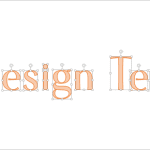 PowerPoint 2013 enables you to use its repertoire of Shapes to create some amazing artwork. Its Merge Shape commands allow you to create complex shape...
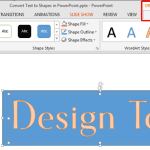 PowerPoint 2013 has several new features but there's nothing quite like what we will explore on this page -- an option to convert regular text into a ...