
Our next option within the Insert Online Video series is inserting video from OneDrive (previously known as SkyDrive). OneDrive is an online service which allows you to store files online – it also allows you to work on Microsoft Office web applications such as PowerPoint Online, where you can create and edit presentations. Remember that you will have to first sign in with your Microsoft account. Learn more in our Sign In to a OneDrive Account tutorial.
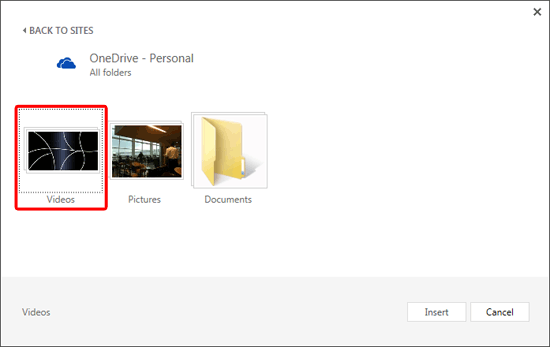
Learn how to insert video using OneDrive in PowerPoint 2013 for Windows.
Related Posts
 Our next option within the Insert Online Pictures in PowerPoint 2013 for Windows series of tutorials is exploring how you can insert pictures from you...
 Similar to the Screenshot option that lets you capture still screenshots, you can use the new Screen Recording option in PowerPoint 2013 for Windows t...
 The last option within our tutorials of the Insert Online Video series is bringing in videos from Facebook. There is a prerequisite though -- to inser...
 The next option in our Insert Online Video in PowerPoint 2013 series is inserting video from a Video Embed Code. Here you can use embed code from any ...