
Applying a Theme in PowerPoint applies Theme Colors, Theme Fonts, Theme Effects, Theme Backdrops, and much more. However there are scenarios in which you really don’t require such a complete makeover or metamorphosis. In that case, you can still apply Theme Colors and Theme Fonts and leave all other Theme attributes unchanged.

Learn how to apply Theme Colors and Theme Fonts in PowerPoint 2013 for Windows.
Related Posts
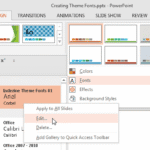 Theme Fonts comprise a pair of font choices, one each for your slide titles (Heading font) and the other for everything else on your slides (Body font...
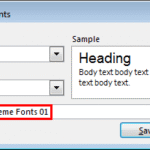 Theme Fonts are font choices that are part of a Theme in PowerPoint or other Microsoft Office programs. Each Theme Font set has two font choices, one ...
 In PowerPoint, any Theme brings to the table several unique facets that differ from Theme to Theme. These include Theme Fonts, Theme Colors, and Theme...
 Are you stuck with a presentation that uses strange fonts? Or have you inherited slides where you need to change fonts globally? Fortunately, you don’...