
Font size does make a difference for the aesthetics of your slide, but what do you do if the text itself uses more or less space than you may want? Sometimes, you may want the text to take just a wee bit lesser space so that all content can fit within two lines rather than three. If you would like to alter the spacing between text characters, you can do so by using PowerPoint’s Character Spacing option, which affects the appearance and readability of both title and body text. Essentially Character Spacing is the amount of space in-between individual letters.

Explore Character Spacing options in PowerPoint 2013 for Windows.
Related Posts
 Text is an important element in your PowerPoint slides, and most of the time, text alignment is taken care by the defaults set in your presentation te...
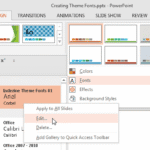 Theme Fonts comprise a pair of font choices, one each for your slide titles (Heading font) and the other for everything else on your slides (Body font...
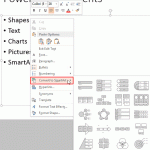 Bulleted text slides are part of most PowerPoint presentations, even though some people abhor using bulleted content altogether. On the other hand, ma...
 Microsoft Office 2013 for Windows was released on October 11, 2012. It is the successor of the previous version, Office 2010, and among the most used ...