
Apply any of the various effects in PowerPoint, and your shapes may stand out — literally out of the slide! In this series on Shape Effects in PowerPoint 2013, we have explored several effect types. On this page, you will learn how you can quickly add a convincing Reflection effect to a shape. While this tutorial pertains to shapes, there’s no reason why you cannot use the same Reflection effects on other slide objects. Reflection applies a blurred, semi-transparent duplication of the original object — in the same way as you may have seen reflection on water or glass.
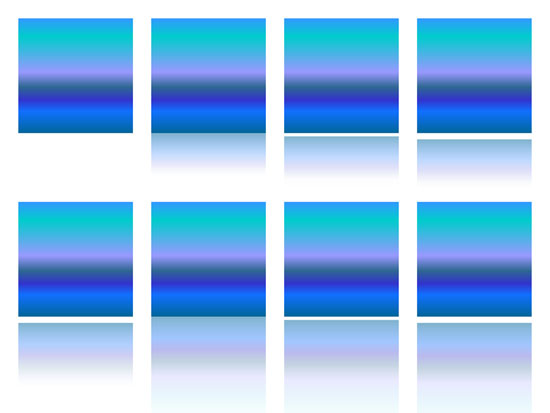
Learn how to apply Reflection effects to selected shape(s) in PowerPoint 2013 for Windows.
Related Posts
 PowerPoint's fill, line, and effect attributes enable you to customize the look of shapes and other slide objects in your presentation. However, it ma...
 3-D Options in PowerPoint 2013 enable you to format the bevel style of a shape with many more options than those available in the conventional Bevel g...
 Depth in PowerPoint 2013 plays a very important role when you are working with 3-D objects. Depth is the distance from the top or surface of something...
 PowerPoint 2013's 3-D options that allow you to rotate or bevel shapes are surprisingly powerful. In fact, some of these options are good enough to be...