
 (No Ratings Yet)
 Loading...
The Tiling options are available when you add texture fills to shapes or even use a picture as a fill to a shape and want to provide a tile effect to it. Tiling can really make a difference to your shape fill. Make sure that you select the Tile picture as texture check-box. This will allow you to use the picture chosen as a texture, and you’ll find several Tiling options.
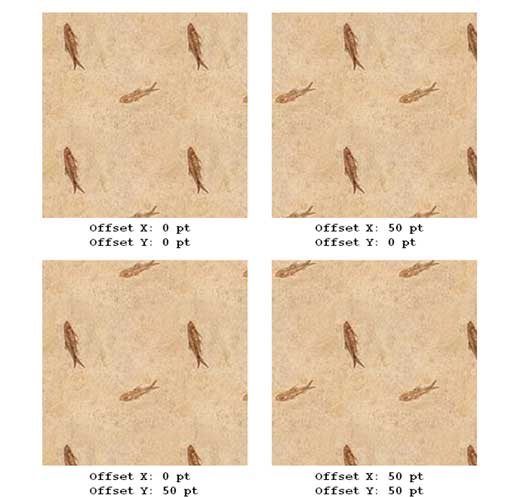
Learn how to use different tiling options for texture fills in PowerPoint 2013 for Windows.
Related Posts
 PowerPoint's fill, line, and effect attributes enable you to customize the look of shapes and other slide objects in your presentation. However, it ma...
 Shape fills such as solid colors, gradients, pictures, and textures can have a transparency attribute that lets you reduce the opacity of a fill so th...
 After learning how to add different fills for shapes in PowerPoint 2013, now its time to learn how to remove any fill from a shape so that your shape ...
 You have already learned how to add different fills for shapes. Just like the Pattern fill option, there is one more hidden shape fill option which yo...