
You have already learned how to add different fills for shapes in PowerPoint 2007. As you have seen in those shape fill tutorials, the Shape Fill gallery displays only 4 fill options: solid fill, picture fill, gradient fill, and texture fill. There is one more shape fill option, the Slide background fill which you can’t access from Shape Fill gallery. The Slide Background fill option is different from other shape fill options because instead of filling something into the selected shape, it makes the slide background area behind the shape visible into the selected shape.
Learn how to add slide background fill to a selected shape in PowerPoint 2007 for Windows.
Related Posts
 Although PowerPoint enables you to edit the fill, lines, and effects attributes of a shape, this is a time consuming task that may involve trying out ...
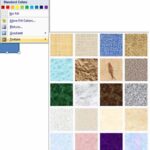 In previous tutorials, we have covered solid, picture, and gradient fills for shapes in PowerPoint 2007. In this tutorial, we finish this series by sh...
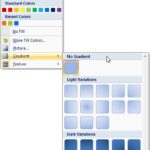 We already showed you how to add or change solid color and picture fills for shapes in PowerPoint 2007. In the next part of this series, we show you a...
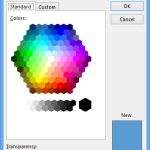 In this series of tutorials, we are going to learn about fills for shapes in PowerPoint 2007, these fills include solid color, picture, gradient, and ...