
In previous tutorials, we have showed you how you can add preset, shadow, and reflection effects to shapes in PowerPoint 2007 for Windows. Now we move on to the next effect: Glow. Glow adds a hazed color perimeter outside the shape area. PowerPoint provides several glow variations, and in this tutorial, we’ll show you how to apply Glow effects to a shape.

Learn how to apply glow effects to shapes in PowerPoint 2007 for Windows.
Related Posts
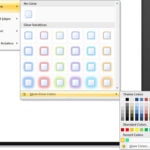 In a previous tutorial, we showed you how you can apply a glow effect to a shape in PowerPoint 2007 (or higher version). In this tutorial, we'll show ...
 Although PowerPoint enables you to edit the fill, lines, and effects attributes of a shape, this is a time consuming task that may involve trying out ...
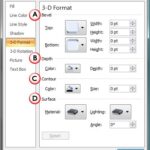 3-D Options seems like something that should work with the 3-D Rotation effect in PowerPoint 2007, yet it also works with other effects such as Bevel ...
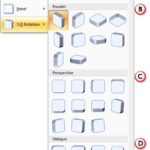 We have already covered all Shape Effects available in PowerPoint 2007 for Windows, except 3-D rotation. In this tutorial, we remedy that omission and...