
Motion Path animations determine the route (path) and the direction in which the animated slide object moves across or around the slide. For example, you can move the slide object up, down, right, or left, on a preset or created motion path. We took every single motion path animation available in PowerPoint including the preset and custom options, and created this sample online presentation that you can use as a reference to preview.

Learn about Motion Path animations in PowerPoint 2007, 2003, and 2002 for Windows.
Related Posts
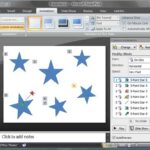 Before you learn to add animation to any slide object, do remember that there are three ways in which your animation can be set to play. These are cal...
 We put up three online presentations that show every animation effect for the entrance, emphasis, and exit animations in PowerPoint. Bookmark these pa...
 We explained what animation is, and what guidelines you need to follow before you add an animation to a slide object in PowerPoint. You can add animat...
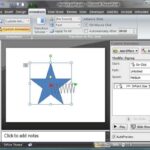 You've learned how to use motion path animations in PowerPoint, but did you know that you can lock and unlock motion paths? You probably won't have to...