
Many PowerPoint users still haven’t mastered working with motion path animations, and we don’t blame them, for unless you just want to add a preset path, the whole process is not too intuitive. So, in the next few days, we’ll cover motion paths extensively on the Indezine site through a set of tutorials.

Related Posts
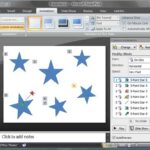 Before you learn to add animation to any slide object, do remember that there are three ways in which your animation can be set to play. These are cal...
 Motion Path animations determine the route (path) and the direction in which the animated slide object moves across or around the slide. For example, ...
 We explained what animation is, and what guidelines you need to follow before you add an animation to a slide object in PowerPoint. You can add animat...
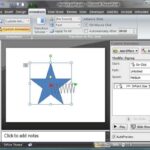 You've learned how to use motion path animations in PowerPoint, but did you know that you can lock and unlock motion paths? You probably won't have to...