
Design is an individual preference. Something that you love may not appeal to a friend, but that does not make that person less friendly! The reverse is also true, and that’s why it’s so cool that at least you can change the design of your Sways with one click. You get to keep your friends and designs — this is a win-win situation!

Learn how you can use the Design options in Microsoft Sway.
Related Posts
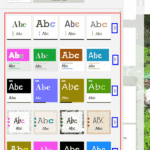 Once you access the Design pane in Sway, you will be presented with a bewildering array of Design Styles that can change the appearance of your Sway. ...
 If the question is about differences between PowerPoint and Sway, then there are certainly more differences than similarities. Both are different prod...
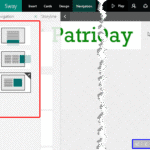 If you have seen a couple of Sways, you will know that how you move from one Card to another can differ. In some Sways, you move from left to right. I...
 Sway is more than just a new way to create presentations; it is a liberating experience that lets you play and work at the same time. Yes, you would e...