
 (No Ratings Yet)
 Loading...
Before you start working with Sway to create your own digital presentations, reports, or documents, you must first sign in using your Microsoft account. A Microsoft account contains credentials you use to sign into any of Microsoft’s services such as Hotmail, Outlook, XBox, Live, Zune, etc. In this tutorial, we explain how you can sign into Sway.
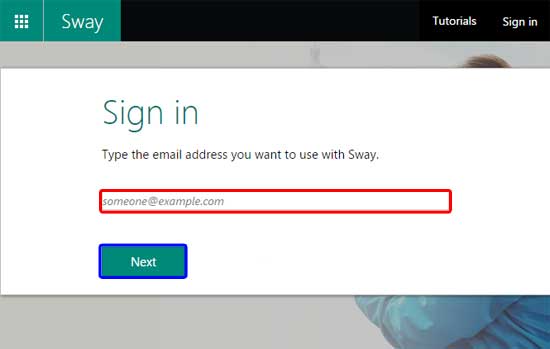
Learn how to sign into Microsoft Sway.
Related Posts
 A Title Card is something that's part of every Sway you create. You cannot delete the Title Card nor can you add a new Title Card to any existing Sway...
 You can create a new Sway from scratch, or you can also import existing files such as PowerPoint, into Sway. Then you can add various media elements w...
 You can create a new Sway or import existing files into Sway. Whatever option you choose, you customize your Sways thereafter in the same way. There a...
 In a previous tutorial, we looked at how you can create new Sway. Other than creating new Sways from scratch, you can also use your existing content b...