
 (No Ratings Yet)
 Loading...
PowerPoint’s Text Fill gallery offers you various text fill options like Solid Color fill, Picture fill, Gradient fill, Texture fill etc. Additionally, another fill option is available for your text — this is the Pattern fill, and we will show you where you can find this option. Just like any other text fill, the successful appearance of text filled with a Pattern depends upon certain factors like the type of Pattern, colors used to create the Pattern, and also the size of text, etc.

Learn how to add pattern fills to the selected text in PowerPoint 2013 for Windows.
Related Posts
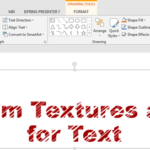 When you consider using textures to fill up your text, you need not limit yourself to the default textures that PowerPoint offers. You can always expl...
 Although you can fill your text so that it appears textured within PowerPoint, the final result depends upon the texture you use for the fill, and how...
 By default, all text that you add within PowerPoint may be filled up with a solid color. And while that's predictable and good, there are some other o...
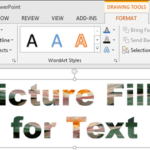 PowerPoint's Text Fill gallery provides you with plenty of text fill options which work similar to the fills for shapes within the Shape Fill gallery....