
Although you can fill your text so that it appears textured within PowerPoint, the final result depends upon the texture you use for the fill, and how well it contrasts with the slide background. For reasons of readability, make sure that the texture used is not too crowded or even multicolored — and as already stated, choose a texture that contrasts with your slide background.

Learn how to add texture fills to the selected text in PowerPoint 2013 for Windows.
Related Posts
 PowerPoint's Text Fill gallery offers you various text fill options like Solid Color fill, Picture fill, Gradient fill, Texture fill etc. Additionally...
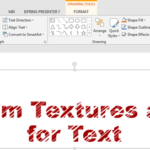 When you consider using textures to fill up your text, you need not limit yourself to the default textures that PowerPoint offers. You can always expl...
 By default, all text that you add within PowerPoint may be filled up with a solid color. And while that's predictable and good, there are some other o...
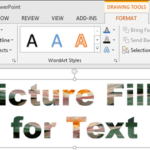 PowerPoint's Text Fill gallery provides you with plenty of text fill options which work similar to the fills for shapes within the Shape Fill gallery....