
 (No Ratings Yet)
 Loading...
Although it is easy to insert pictures from the Clip Art task pane, it is still a good idea to save the pictures you use locally so that you can use them anytime you want. This is important because the same picture may not show up again in the future since nowadays the pictures you retrieve via a search are those that are on web sites — and they use Bing’s search technology. Such searches are dynamic, and results can vary, even after a few hours! So it is important that you save a picture you want to use often locally, in case you want to use it in the future. PowerPoint 2010 allows you to save pictures locally by adding it to a small program called the Clip Organizer.

Learn how to add clips to the Clip Organizer in PowerPoint 2010 for Windows.
Related Posts
 As we explored in earlier tutorials, every clip media object within the Clip Organizer has keywords associated -- these keywords can be edited as requ...
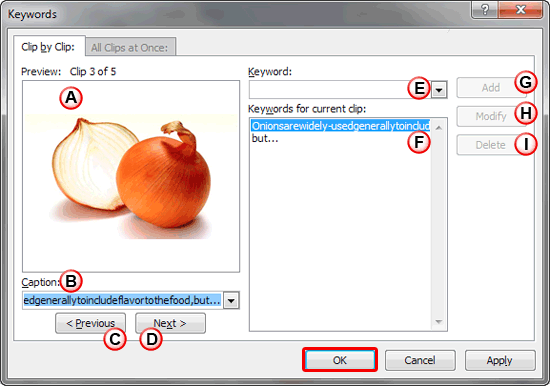 We showed you how to add clip media within the Clip Organizer -- then we explored how you can create and organize Collections. Any clip media which is...
 When you add clip media within the Clip Organizer, you need to select an existing Collection. There are some prerequisites though -- you can only add ...
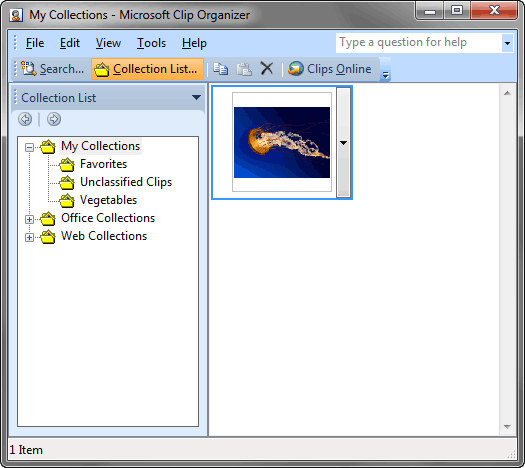 We explored the Clip Organizer previously, especially its interface. However, the real benefit of using Clip Organizer is only if you add your frequen...