
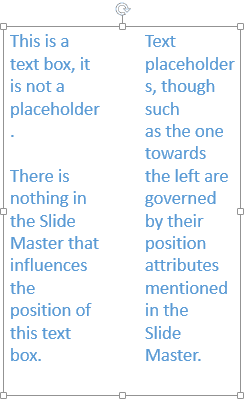
Columned text layouts are often seen in documents created within word processing programs such as Microsoft Word. Nevertheless, PowerPoint gives you some basic column capabilities, although you should not expect anything close to the controls provided by Word. In PowerPoint, you can set up a text container to possess multiple linked columns.
Related Posts
 Text is an important element in your PowerPoint slides, and most of the time, text alignment is taken care by the defaults set in your presentation te...
 Are you stuck with a presentation that uses strange fonts? Or have you inherited slides where you need to change fonts globally? Fortunately, you don’...
 Theme Fonts comprise a pair of font choices, one each for your slide titles (Heading font) and the other for everything else on your slides (Body font...
 Unlike slides which are primarily presented through a display device such as a monitor, TV screen, or projector, the Notes and Handouts in PowerPoint ...