
Let’s look at a typical corporate scenario. Your company has PowerPoint presentations that have to be burned on CDs and distributed. PowerPoint 2003 has an amazing Package to CD feature but how do you burn 15 presentations to a CD and provide a well designed interface to the recipients of the CD? Actually, it’s an easy task to accomplish. Just follow this step-by-step tutorial and you’ll have created an autorun CD with all your PowerPoint presentations in no time. The same procedure can be followed for a single presentation as well.
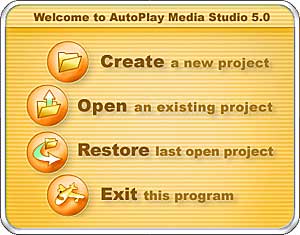
This tutorial covers PowerPoint 2003 Viewer and AutoPlay Media Studio 5.
Related Posts
 Word Clouds provide creative ways to explore and explain a concept or a subject using relevant terms that support a central idea. Even better, they cr...
 We already explored how Haiku Deck now plugs right within SlideShare and allows you to create slides. In this post, we will explore the Haiku Deck int...
 Until now, SlideShare has been a repository of slides you create in other programs such as Microsoft PowerPoint or Apple Keynote, and then upload to t...
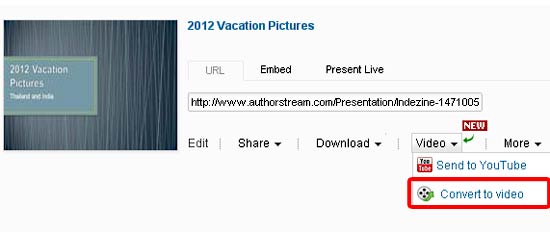 Among the various improvements that authorSTREAM made to their video engine, HD video conversion is the one that stands apart. This improvement is sig...