
By far, the only way to make text stand out in PowerPoint is by using color and animation. And even animation is not uncomplicated — presentation designers often have to tweak PowerPoint’s animation timings and the timeline to create out-of-the-ordinary animation effects. PowerPlugs Animator from CrystalGraphics tries to provide a solution — it includes a library of animation styles that enhance PowerPoint’s built in effects — these can also be imparted to text with a few clicks.
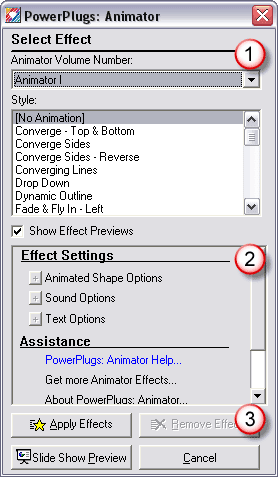
Read the Indezine review of PowerPlugs Animator.
Related Posts
 OfficeOne Animations is a PowerPoint add-in that provides over 50 extra animation effects other than what are already provided by PowerPoint. These ne...
 Presentations with pizzazz require a lot more than slides with text content. To make the slides look relevant, interesting, and coordinated is almost ...
 PowerPoint transitions can be so cool -- it's essentially a moving, animated effect that metamorphoses one slide to another over a period of time. Pow...
 Many programs allow you to create charts that you can insert in PowerPoint -- but what if your charting expert, boss, or publicist wants you to make v...