
You need to reorder your animations mainly because you might have more than one animated object on a slide, and you discover that some re-sequencing of animations as they happen in relation to each other may provide a better result. For something of this sort, PowerPoint provides a Reorder option that lets you play with the sequence of the animation.

Learn to reorder animations on your slides in PowerPoint 2007, 2003, and 2002 for Windows.
Related Posts
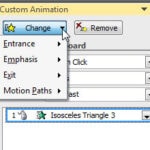 Many times, users just remove an animation and apply another one instead. The need to change an animation may arise for several reasons: You realize t...
 Before you start removing an animation, there is something you need to decide:Do you want to remove both the animation and the slide object that is an...
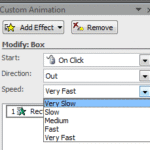 When you add animation to any slide object and set the animation event for it to occur, the next thing to do is set the speed of the animation. In thi...
 Before you learn to add animation to any slide object, do remember that there are three ways in which your animation can be set to play. These are cal...