
 (1 votes, average: 5.00 out of 5)
 Loading...
PowerPoint 2007 makes it easier to draw a semi-circle than in PowerPoint 2003 or previous versions, but it still isn’t as intuitive. However, the steps in this tutorial will make it easy for you.

Learn how to create a semi-circle in PowerPoint 2007 for Windows.
Related Posts
 A line (outline) in PowerPoint contains both points and segments. In this tutorial, we will show you how segments (the line area between one point and...
 The Shapes Gallery in PowerPoint consists various shapes, both open and closed. Most of the shapes in this gallery are closed shapes, for example, a R...
 You learned what Edit Points in PowerPoint are and how this option influences the look of shapes in PowerPoint. Even though the Edit Points option edi...
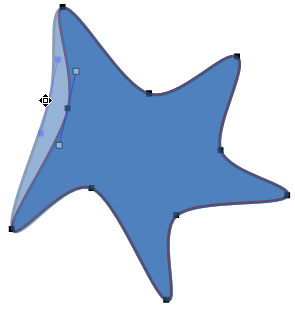 When you insert a shape within PowerPoint, you are not limited to what their default appearance looks like. You may want to change a rectangle to a rh...