
Reusing slides from an existing presentation (or several presentations) is a great way to add some common slides that you end up using in most presentations. We always suggest that you to first create and import an outline so that you have a structured presentation in place. Thereafter, use the Reuse slides option to add more slides or even replace existing ones. Finally, you can add any new slides that you need to create from scratch.

Learn how to reuse slides in PowerPoint 2003 for Windows.
Related Posts
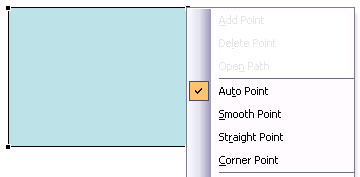 Every shape in PowerPoint is a combination of segments (lines) and points (vertexes) -- and these segments and vertexes are only visible within Edit P...
 You have learned what the Edit Points option in PowerPoint is, and how it works. The Points you see and edit give you control over how you want a shap...
 When you use any of the shapes available in PowerPoint, you are not limited to what their default appearance looks like. You may want to change a rect...
 When you launch PowerPoint 2003, it opens an empty presentation of just one slide. Typically this one slide has a title placeholder and another placeh...