
 (No Ratings Yet)
 Loading...
I always believe that Shapes are the building block using which you can add any type of graphic to your PowerPoint slide — most content that you can select on the slide such as ungrouped tables or charts, Shapes, or even a video clip works so much like a Shape. Learn to format shapes, and you can use the same tricks to format these other slide objects. As part of this Learn PowerPoint series, I already have covered many such topics and more are continuously being added — today’s tutorial shows how you can quickly add a shape to your PowerPoint slide.
Learn how to insert Shapes in PowerPoint 2007 for Windows.
Related Posts
 A line (outline) in PowerPoint contains both points and segments. In this tutorial, we will show you how segments (the line area between one point and...
 The Shapes Gallery in PowerPoint consists various shapes, both open and closed. Most of the shapes in this gallery are closed shapes, for example, a R...
 You learned what Edit Points in PowerPoint are and how this option influences the look of shapes in PowerPoint. Even though the Edit Points option edi...
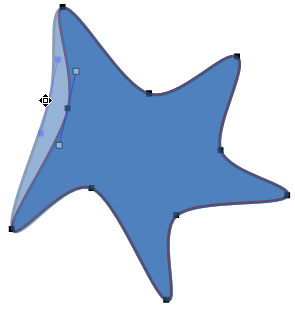 When you insert a shape within PowerPoint, you are not limited to what their default appearance looks like. You may want to change a rectangle to a rh...