This post refers to the Office 2013 Preview — this was pre-release software that is no longer available. All techniques mentioned in this post will not work with the final release version of Office 2013.
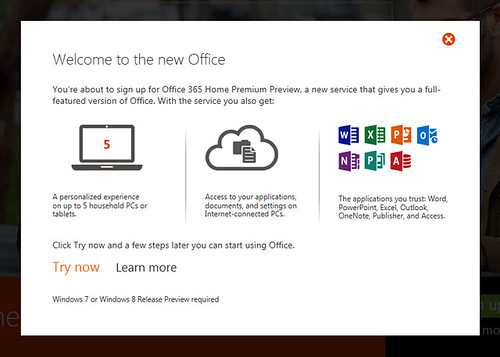
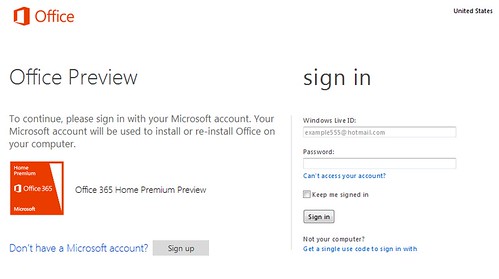
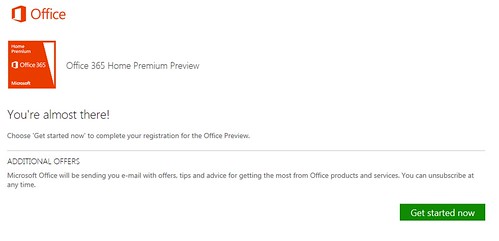
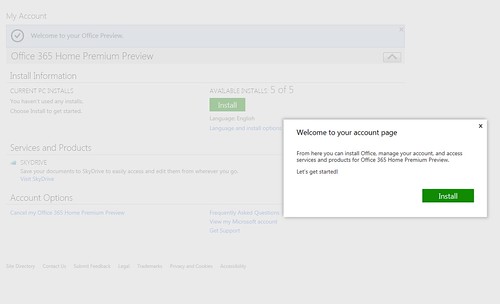
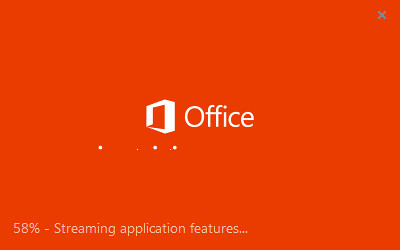
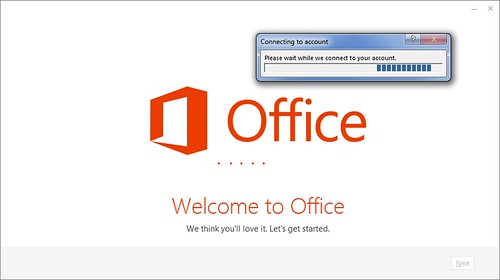
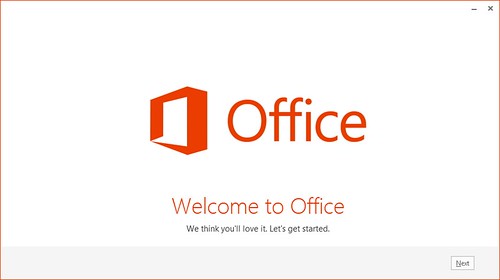
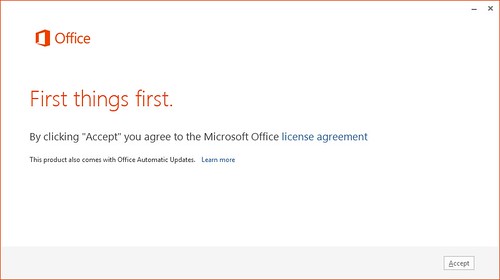
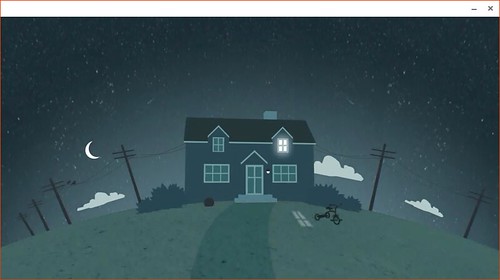
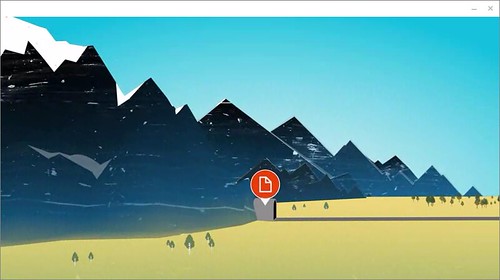
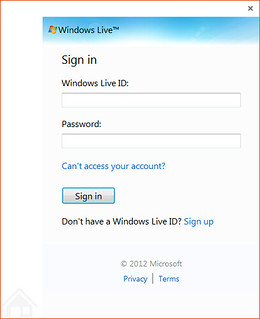
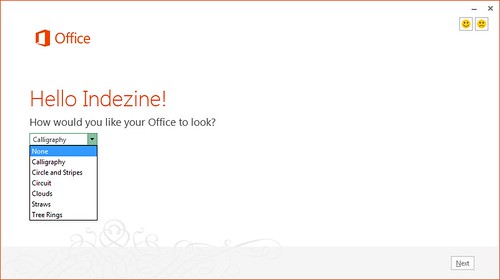
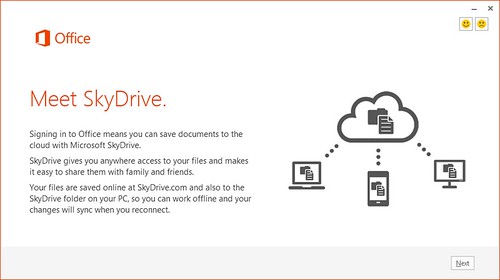
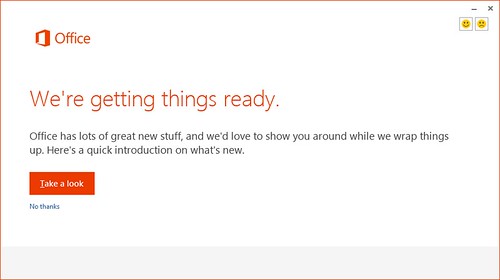
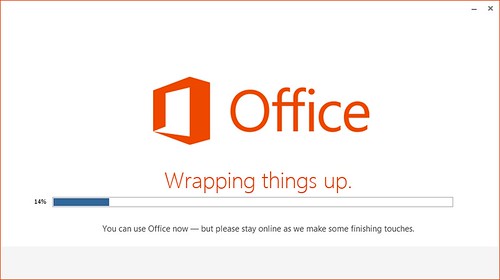
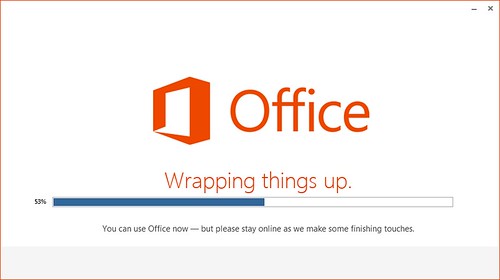
In previous posts, we have explored about Getting the Office 2013 Customer Preview Beta and Before Installing Office 2013 Customer Preview. Now let’s take you step-by-step through the entire install process. All through this post, you will find screenshots — feel free to click on the actual screenshots to see larger representations.
Filed under:
PowerPoint 2013
Tagged as: Office 2013, PowerPoint 2013
Comments Off on Step-by-Step Install of the Office 2013 Customer Preview
Microsoft and the Office logo are trademarks or registered trademarks of Microsoft Corporation in the United States and/or other countries.