
When working with multiple slide objects in PowerPoint, it is important to maintain proper alignment and positioning to ensure a clean and professional slide layout. Although PowerPoint provides precise coordinate-based positioning options, most design tasks only require a general visual reference for object placement. In such cases, the Rulers feature provides a convenient way to estimate positioning and alignment directly on the slide.

Learn about using rulers in PowerPoint 365 for Windows.
Related Posts
 Have you watched an expert tailor at work? They start by marking the pattern on the fabric. They don't just slap down one chalk mark on the fabric and...
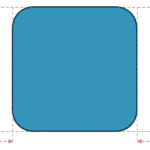 Smart Dynamic Guides in PowerPoint help you align, resize, and distribute objects with precision by showing real-time visual cues. They appear automat...
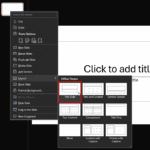 Changing a slide layout in PowerPoint takes just a few clicks. This tutorial shows you exactly how. Imagine you’re building a house. Would you start b...
 Guides in PowerPoint 365 for Windows are alignment lines that help you position slide objects with accuracy. They don’t appear in Slide Show or when p...