
With Theme Fonts, you get several sets of ready made choices in PowerPoint, and you can choose and apply from these pre-decided pairs of font choices, without changing the overall Theme. In this tutorial we’ll teach you how you can create your own Theme Fonts set, which can be used in all your presentations. Follow these steps learn more.

Learn how to create custom Theme Fonts sets in PowerPoint 2007 and 2010.
Related Posts
 PowerPoint 2007, 2010, and 2013 include several built-in Theme Fonts sets. Additionally, you can also create custom Theme Fonts sets from within Power...
 Although PowerPoint (and Microsoft Office ) includes several Theme Fonts sets, you can take this concept further by creating your own custom Theme Fon...
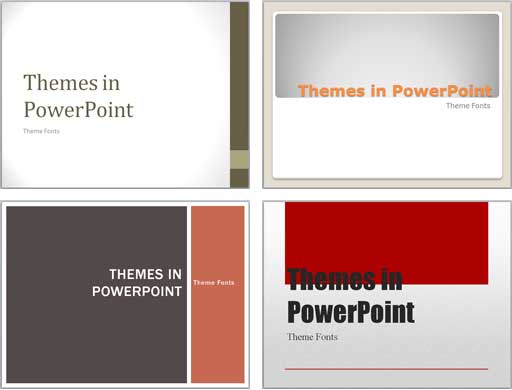 Each Theme contains several unique facets that set it apart from other Themes. These include Theme Fonts, Theme Colors, and Theme Effects. When you ap...
 Have you ever been in a situation where your presentation looked so awesome with some amazing typography, but when you opened the same presentation on...