
It is possible for PowerPoint slides to have numbered lists that comprise twenty lines, but that is something frowned upon. Even if your audiences have perfect eyesight, they won’t be able to read the teeny-weeny sized text! And also, too much text is very much boring, and nowadays any sort of bulleted or numbered lists seem to signify a poorly designed slide. One approach that can help you solve this problem is by dividing your list across multiple slides — but even then PowerPoint starts numbering your lists at 1 on each slide — even though you want it to start at 6, 11, or 16! Luckily, that is an easy problem to solve, as explained in the following steps.

Learn how to renumber your numbered lists in PowerPoint 2011 for Mac.
Related Posts
 First of all, why would you need to highlight text? One answer could be that you want to emphasize some important words or phrases within your slide. ...
 While it is easy to change proofing language for selected text containers, that happens to be a great time waster if you need the language changed acr...
 English is spelled and pronounced differently in various parts of the world. For example, color is perfectly valid spelling in the US, but not so in t...
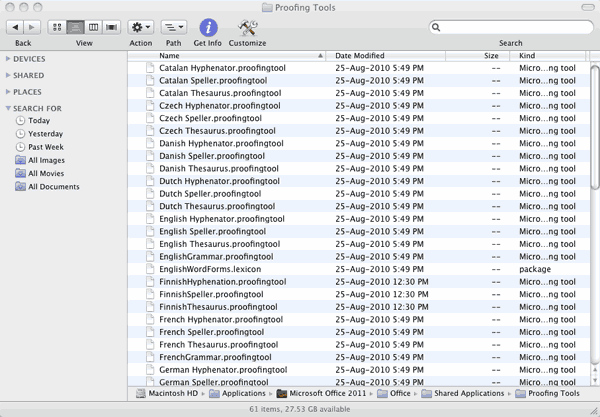 Microsoft Office programs such as PowerPoint include proofing tools (spelling dictionaries, thesauri, and grammar rules) for more than one language. T...