
While working in PowerPoint you might have noticed that you resize text boxes almost the same way as you would resize shapes or any other slide object — select the slide object and you will see eight handles, four on the corners and four on the sides — you then drag any of these corners to resize. The problem with this approach is that there is no accuracy in resizing. There might be times when you need your text box to be resized to some particular size — for example, you want it to be exactly as wide as a picture you have inserted.

Learn how to resize text boxes accurately on a slide in PowerPoint 2011 for Mac.
Related Posts
 First of all, why would you need to highlight text? One answer could be that you want to emphasize some important words or phrases within your slide. ...
 While it is easy to change proofing language for selected text containers, that happens to be a great time waster if you need the language changed acr...
 English is spelled and pronounced differently in various parts of the world. For example, color is perfectly valid spelling in the US, but not so in t...
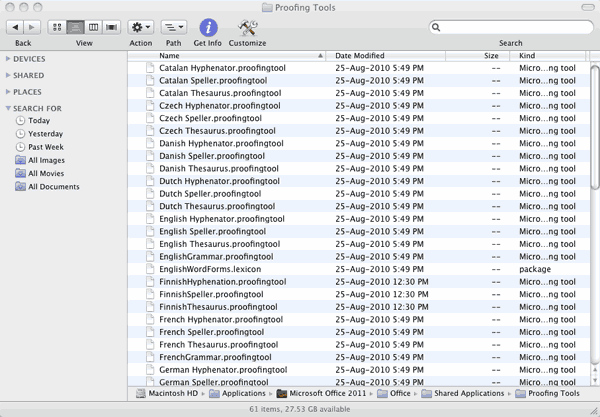 Microsoft Office programs such as PowerPoint include proofing tools (spelling dictionaries, thesauri, and grammar rules) for more than one language. T...