
Do you want to create some text that needs to be printed in black and white? Or maybe you need some text that has awesome contrast — in either case, text with a solid color fill is your best option — other text fill types including pictures, gradients, and textures rarely have that sort of contrast. However, there is another fill option available for your text — the Pattern fill that lets you add contrast — and is yet different from the regular solid fills.
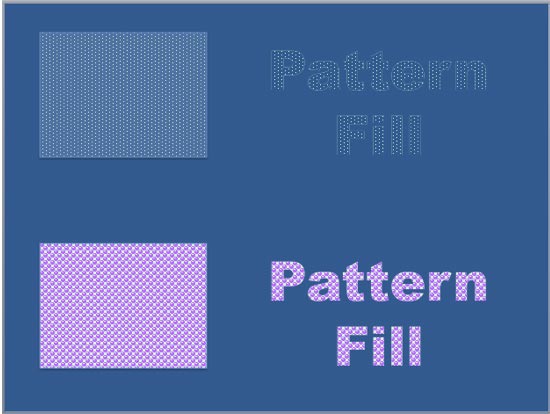
Learn how to add a pattern fill to the selected text in PowerPoint 2011 for Mac.
Related Posts
 First of all, why would you need to highlight text? One answer could be that you want to emphasize some important words or phrases within your slide. ...
 While it is easy to change proofing language for selected text containers, that happens to be a great time waster if you need the language changed acr...
 English is spelled and pronounced differently in various parts of the world. For example, color is perfectly valid spelling in the US, but not so in t...
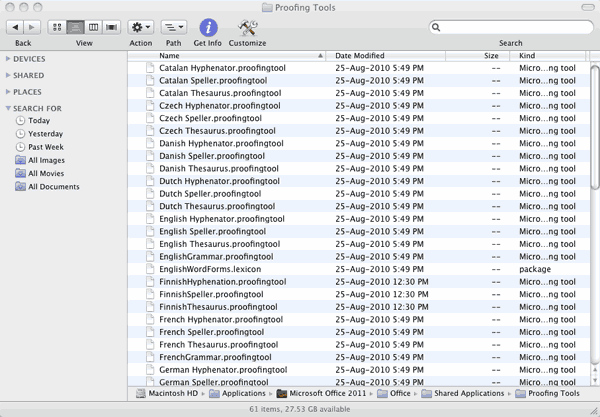 Microsoft Office programs such as PowerPoint include proofing tools (spelling dictionaries, thesauri, and grammar rules) for more than one language. T...