
 (No Ratings Yet)
 Loading...
PowerPoint provides you with plenty of text fill options — most of these are similar to the options available as fills for shapes. In this tutorial, let us learn how to use a picture as a fill for your selected text in PowerPoint 2011. Although all picture fills may or may not look good on text, you must remember a few points when selecting a picture for a fill: Never use a busy, confused picture as a fill — a picture that has too many colors will rarely look good.

Learn how to add a picture fill to the selected text in PowerPoint 2011 for Mac.
Related Posts
 First of all, why would you need to highlight text? One answer could be that you want to emphasize some important words or phrases within your slide. ...
 While it is easy to change proofing language for selected text containers, that happens to be a great time waster if you need the language changed acr...
 English is spelled and pronounced differently in various parts of the world. For example, color is perfectly valid spelling in the US, but not so in t...
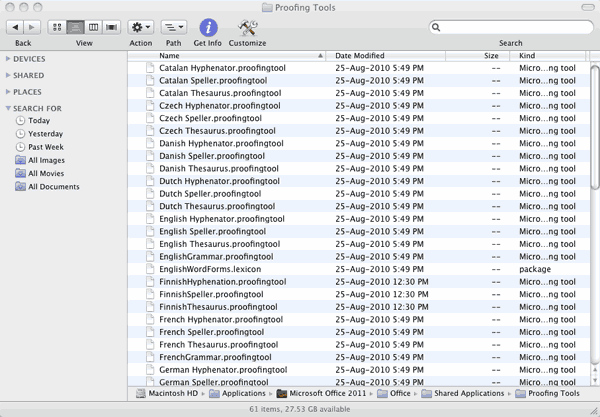 Microsoft Office programs such as PowerPoint include proofing tools (spelling dictionaries, thesauri, and grammar rules) for more than one language. T...