
Text outline, the border that spans the perimeter of the font characters, is mainly used to make the slide titles or other text appear prominent. Taking this concept little further, you can make these outlines look fancier by using an attribute that’s rarely associated with text outlines but can provide a surprisingly different look, especially when applied to the text with thicker outlines. This is the Gradient Outline, and is not accessible from within the Text Outline gallery, but has been included within the Format Text Effects dialog box that we will explore later in this page.

Learn how to apply Gradient Outline for text in PowerPoint 2011 for Mac.
Related Posts
 First of all, why would you need to highlight text? One answer could be that you want to emphasize some important words or phrases within your slide. ...
 While it is easy to change proofing language for selected text containers, that happens to be a great time waster if you need the language changed acr...
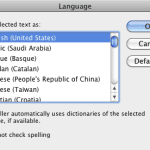 English is spelled and pronounced differently in various parts of the world. For example, color is perfectly valid spelling in the US, but not so in t...
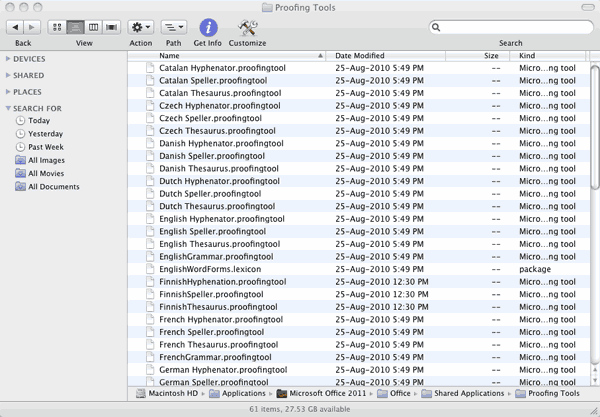 Microsoft Office programs such as PowerPoint include proofing tools (spelling dictionaries, thesauri, and grammar rules) for more than one language. T...