
When you change Background Styles within the Slide Master, the Background Style for all dependent Slide Layouts will change. However, it is not necessary for all your Slide Layouts to possess the same Background Style as the Slide Master — or even another Slide Layout. Each Layout can have its own independent Background Style, as you will learn in the rest of this tutorial.

Learn how to apply Background Styles to individual Slide Layouts in PowerPoint 2011 for Mac.
Related Posts
 PowerPoint's, Slide Layouts are a very useful feature because they let you use a boilerplate arrangement of placeholders repeatedly, resulting in slid...
 In a presentation with plenty of slides, it's quite easy to locate a specific slide as long as you know the sequence of your slide deck. You can see w...
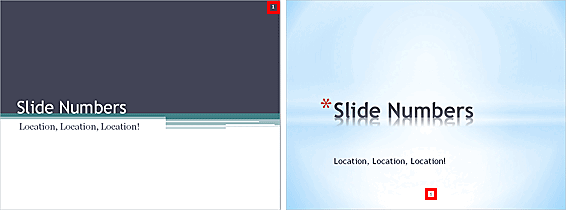 When you insert Slide Numbers on your slides, you may discover that the location of the Slide Number changes depending upon the active Theme of your p...
 You can add a new Slide Master to your presentation -- you can also duplicate the existing Slide Master. You can then format it to change its look by ...