
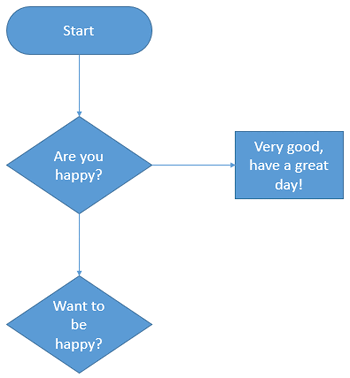
Once you add multiple connectors that emanate from a Decision shape, you need to help your users decide where they branch their thought or work processes within the flowchart. This is typically done by adding a Yes or No caption to the connectors that output from a Decision shape. So how do you add these captions?

Learn about formatting connectors within flowcharts.
Related Posts
 While you can create flowcharts of all types in Microsoft Office applications quite easily using techniques explained in our Basic Flowcharts in Micro...
 There are many dedicated programs that only do flowcharts, and even Microsoft creates another program called Visio that’s more flowchart savvy than ma...
 Once you have inserted an organization chart (org chart) within PowerPoint 2013, you might need to change the layout of the org chart. The "layout" me...
 After inserting an Organization Chart (org chart) in PowerPoint 2013, you might need to add more shapes to your org chart. The default org chart that ...