
Connectors are lines that link different flowchart shapes (or any shapes you place within your Microsoft Office documents). They are different from conventional lines because connectors, as the name implies stay connected to the shapes they are linked to. Move any “connected” shape, and the connectors move and reorient with the shapes automatically — we will explore this further in this tutorial.

Related Posts
 While you can create flowcharts of all types in Microsoft Office applications quite easily using techniques explained in our Basic Flowcharts in Micro...
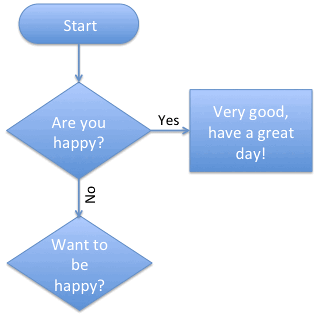 Once you add multiple connectors that emanate from a Decision shape, you need to help your users decide where they branch their thought or work proces...
 Many dedicated programs do only flowcharts, and although Microsoft creates another program called Visio for Windows users that's more flowchart savvy ...
 Before we begin, let us make it clear that this tutorial is primarily for those people who have more than one version of PowerPoint installed on their...