
PowerPoint 2013 really did take the Merge Shapes command to a whole new level. Not only can you merge shapes with other shapes and text, you can also merge shapes with pictures! First you may wonder what’s so awesome about merging shapes with pictures? But play a bit and you’ll realize that this opens up huge possibilities. We will start simple in this tutorial and explore how you can create cookie cutter shapes with this option.

Learn how to merge shapes with pictures in PowerPoint 2013 for Windows.
Related Posts
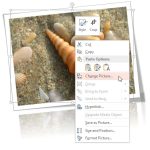 Imagine you have inserted a picture in PowerPoint 2013 for Windows, and then you applied various picture editing options to enhance its appearance. Fo...
 A picture needs to be corrected when it's appearance is too dark or too bright. You can end up with pictures that need correction if the lighting was ...
 After a picture is inserted on your PowerPoint slide, you might want to make adjustments to the picture itself so that it looks distinctive and focuse...
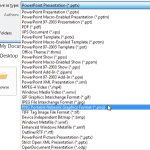 PowerPoint allows you to save your slides to many graphic file formats, which can later be used in other applications as required. One of the most pop...