
There are plenty of ways to make the Chart Area stand out on your slide. One method is to use the Fill and Line options to apply a fill and/or a border to the Chart Area. Additionally you can also apply any of the Effects that PowerPoint 2013 provides. Follow these steps to learn about the various Effects that can be applied to the Chart Area.

Learn how to add an effect to the Chart Area in PowerPoint 2013 for Windows.
Related Posts
 The chart templates you save within PowerPoint 2013 are saved into a default folder location which you do not have to worry about, as far as you are u...
 You can tweak your chart in PowerPoint as much as you want so that the resulting chart follows your specifications. Once you met a standard that you m...
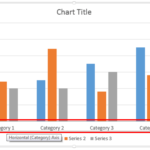 Even though charts are a visual medium, they still contain plenty of text in the form of data labels, titles, legend, axis labels, etc. Whenever you i...
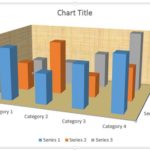 Unlike conventional 2D charts, 3D charts have distinct walls and a floor. Also, by default, these walls and floor show no fill and not even a border. ...