
In PowerPoint 2013 transition duration and transition timings are not the same. Transition time is the actual time that the slide stays active during a slide show before moving on to the next slide. Transition duration is the amount of time it takes to move between slides. Normally, during slide show, you can advance to the next slide by mouse click (or pressing the Enter key on your keyboard). Using transition timings on the other hand, you can set your slides to advance on their own instead, and display each slide for a specific amount of time that you decide.

Learn how to set transition timings for the slides in PowerPoint 2013 for Windows.
Related Posts
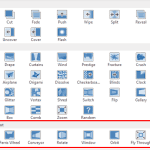 Dynamic Content transitions were first introduced in PowerPoint 2010 (these also work in PowerPoint 2011 for Mac). When these transitions are applied ...
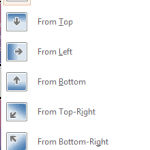 Within PowerPoint, you can apply transitions to your slides and later tweak them aplenty. You can adjust the duration and timing of any transition, an...
 Adding sound effects to slide transitions in PowerPoint is a decision that needs so much thought because a sound playing with every slide transition c...
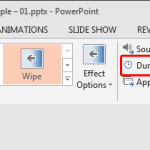 Every transition you add to a slide within PowerPoint 2013 has a fixed, default duration. Some transitions such as Cut happen sooner than you can imag...