
Dynamic Content transitions were first introduced in PowerPoint 2010 (these also work in PowerPoint 2011 for Mac). When these transitions are applied to your slide, the actual transition occurs on all areas of the slide except the backgrounds. This makes your content move independently on and off the screen. PowerPoint 2013 provides seven different transition effects within the Dynamic Content category — do experiment with these options for direction and timing to create some great looking presentations.

Explore Dynamic Content transitions in PowerPoint 2013 for Windows.
Related Posts
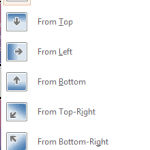 Within PowerPoint, you can apply transitions to your slides and later tweak them aplenty. You can adjust the duration and timing of any transition, an...
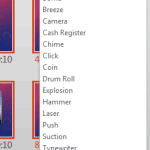 Adding sound effects to slide transitions in PowerPoint is a decision that needs so much thought because a sound playing with every slide transition c...
 In PowerPoint 2013 transition duration and transition timings are not the same. Transition time is the actual time that the slide stays active during ...
 Every transition you add to a slide within PowerPoint 2013 has a fixed, default duration. Some transitions such as Cut happen sooner than you can imag...