
It’s always been possible to add pictures from an online source within PowerPoint. For more than a decade this online source has been the pictures available online at Office.com — in most previous versions, this was achieved through the Insert Clip Art option. Now in PowerPoint 2013, this option has been greatly enhanced — and you are no longer restricted to content from just Office.com. Of course, this also has a new name now, and it’s called Online Pictures. This feature is very helpful as you are not limited to just the pictures available on your system. You get variety of other picture sources to choose from.

Learn how to insert an online pictures on a slide in PowerPoint 2013 for Windows.
Related Posts
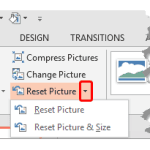 Once a picture is inserted within PowerPoint, any manipulations you make to that picture are strictly only on the surface. The appearance of the pictu...
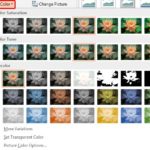 Working with pictures in PowerPoint 2013 can be so much fun and fulfilling at the same time. One of the coolest options is to recolor the hue of your ...
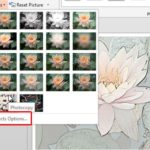 PowerPoint is a slide program but that doesn't mean that it does not have some cool picture editing tricks up its sleeve. When we say "cool", we certa...
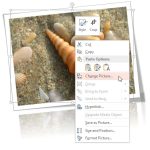 Imagine you have inserted a picture in PowerPoint 2013 for Windows, and then you applied various picture editing options to enhance its appearance. Fo...