
You may know how easy it is to flip or rotate a picture on your slide. But do this same flipping when you use a Picture fill within a shape — and do you notice that only the shape flips, and not the picture within? But what if you wanted to just flip, or even rotate the picture within the shape, without changing the actual shape? How do you do that?

Learn how to flip and rotate picture fills for shapes in PowerPoint 2011 for Mac.
Related Posts
 PowerPoint's, Slide Layouts are a very useful feature because they let you use a boilerplate arrangement of placeholders repeatedly, resulting in slid...
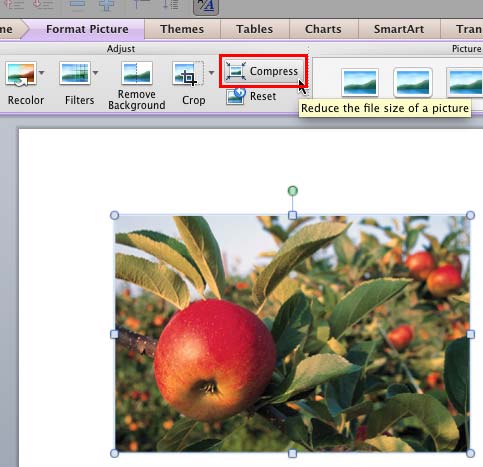 Although using pictures enhances the look of your presentation, it can also phenomenally increase the size of your presentation file. By default, Powe...
 Any manipulations you make to inserted pictures in PowerPoint are strictly only on the surface. The appearance of the picture changes on the slide, bu...
 In PowerPoint, you are provided with an extensive array of built-in shapes that help you create great looking graphics for your slides. PowerPoint sha...