
The Developer tab of the Ribbon is typically not visible within PowerPoint 2016. To enable the Developer tab, you have to visit the PowerPoint Options dialog box. So why would you want to enable a tab that’s hidden by default? That’s because the Developer tab provides options that most PowerPoint users may not be aware of, and don’t typically use.

Learn how to enable the Developer tab of the Ribbon in PowerPoint 2016 for Windows.
You May Also Like:
View Add-ins in PowerPoint 2016 for Windows
Manage and Load Add-ins in PowerPoint 2016 for Windows
Trust Center in PowerPoint 2016 for Windows
Trust Center Settings in PowerPoint 2016 for Windows
Related Posts
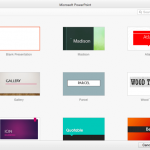 Backstage view is not akin to other PowerPoint views such as Slide Sorter view or Normal view that relate to working with slides. In fact, Backstage v...
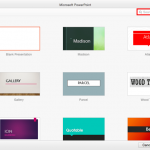 When launched, PowerPoint 2016 for Mac typically opens the New Pane of Backstage view that contains the Presentation Gallery. The Presentation Gallery...
 While you can open and save files from any file location you access on your computer or network, you can also add more places from where you can open ...
 While working in PowerPoint and other Office applications, you will see the concept of “Office Background”, which essentially indicated the small imag...