
We have already showed you how to use fills for shapes in PowerPoint 2016. A fill is something that is contained within the confines of the shape. Similarly, shapes have another attribute known as the “line” or the “outline”. A line is the perimeter surrounding a closed shape or the line itself within an open shape. We will explore more about lines later in this tutorial. In subsequent tutorials, we will show how you can work with shape outlines in PowerPoint 2016 for Windows.

Make changes to the appearance of shape lines in PowerPoint 2016 for Windows.
Related Posts
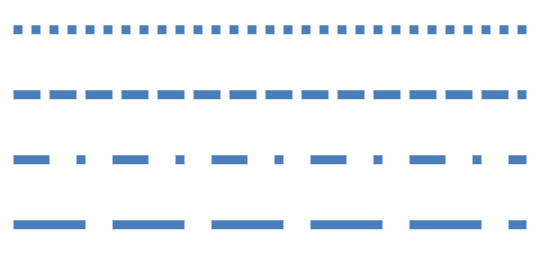 We have already explored how to format shape outlines and change their weight. In this tutorial, you will learn how to apply a Dash style to shape out...
 PowerPoint's fill, line, and effect attributes enable you to customize the look of shapes and other slide objects in your presentation. However, it ma...
 When a shape is inserted into a PowerPoint slide, its default appearance is related to the points that it contains. Alter the points, and you can chan...
 Drawing with the Scribble line tool is almost the same as drawing with the Freeform line tool, but there is one vital difference. You don't need to do...